AI PDF Data Extraction: How It Works + 6 Tools to Compare (2026)
Guide to AI PDF data extraction in 2026. Learn how OCR, layout analysis, and LLMs turn static files into structured JSON, CSV, and Excel spreadsheets.
Quick Answer: What Is AI PDF Data Extraction?
AI PDF data extraction combines optical character recognition (OCR), computer vision layout analysis, and natural language processing (NLP) to convert unstructured documents—such as invoices, receipts, financial reports, and scanned agreements—into structured formats like JSON, CSV, or Excel spreadsheets. Unlike flat copy-pasting, AI preserves tabular hierarchies, detects key-value pairs, and understands spatial relationships across complex layouts.
Step-by-Step Instructions
- 1
Document Ingestion & OCR Processing
The extraction engine reads raw digital character streams or executes high-precision OCR to convert scanned document images into machine-readable text.
- 2
Layout Analysis & Structure Detection
Computer vision models identify document geometry—detecting table boundaries, reading order across multi-column layouts, and hierarchical headings.
- 3
Targeted Field & Schema Extraction
Natural language processing models locate target fields (e.g., invoice numbers, dates, line items), normalize values, and validate them against a schema.
- 4
Export to Structured Formats (JSON/CSV/Excel)
Extracted data is outputted into machine-readable JSON for API automation, CSV/XLSX for spreadsheet analysis, or cited excerpts with verified page coordinates.
Executive Summary: The Transition from Trapped Text to Usable Data
PDFs are engineered for visual presentation, not data accessibility. Unlocking trapped numbers, invoices, and legal clauses historically required tedious manual re-keying. In 2026, AI PDF data extraction fuses Optical Character Recognition (OCR), computer vision layout models, and multimodal Large Language Models (LLMs) to transform static documents into structured, machine-ready payloads (JSON, CSV, Excel) in seconds.
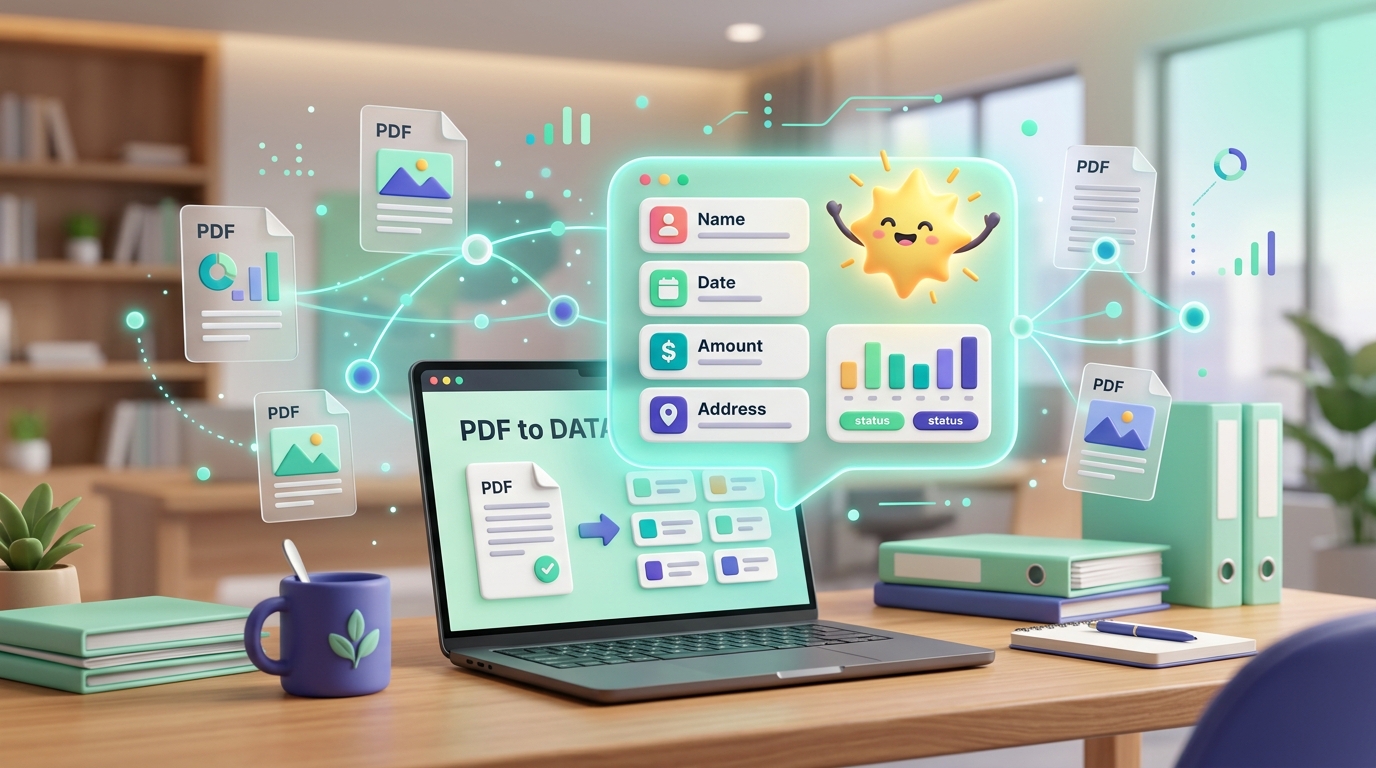
AI PDF Data Extraction: Transforming raw, unstructured, and scanned documents into structured, machine-readable data.
📑 Table of Contents & Quick Navigation
1. What Is AI PDF Data Extraction?
PDFs look clean and uniform on screen, but the data inside them is usually trapped. A neat invoice, a 40-page financial audit, or a scanned vendor agreement feels readable to a human, yet the moment you need to extract the vendor name, billing total, line items, or specific clauses, you are stuck copy-pasting manually, correcting OCR misreads, and re-keying numbers into a spreadsheet. That manual data-entry loop is exactly what AI PDF data extraction is built to eliminate.
AI PDF data extraction is the automated process of using artificial intelligence to parse, interpret, and convert unstructured information stored in PDF documents into structured, machine-readable formats. Unlike traditional copy-pasting or basic regex scraping, modern AI extraction combines three foundational disciplines:
- Optical Character Recognition (OCR): Converts scanned pages, smartphone photos, and rasterized bitmaps into editable character streams.
- Computer Vision & Layout Analysis: Detects bounding boxes, multi-column text flows, table grids, headers, footers, and spatial reading orders.
- Natural Language Processing (NLP) & Multimodal LLMs: Interprets semantic context, classifies document types (e.g., invoices, bills of lading, medical records), and identifies specific target fields regardless of variations in layout.
Simple Text Extraction vs. Structured AI Data Extraction
To understand why AI is necessary, consider the critical difference between the two paradigms:
| Capability | Simple Text Extraction | Structured AI Data Extraction |
|---|---|---|
| Input Handling | Digital PDFs only (fails on scans/images) | Scans, photos, forms, and digital PDFs |
| Layout Awareness | None (reads raw character streams) | Understands columns, tables, headers, and margins |
| Output Format | Plain unstructured text string (.txt) | Schema-validated JSON, CSV, XLSX, or API payloads |
| Key-Value Detection | Requires rigid, fragile regular expressions | Semantic detection (e.g. "Total" even if labeled "Amount Due") |
| Table Hierarchy | Flattens rows and columns into messy lines | Preserves cell relationships, nested rows, and multi-page spans |
2. How the 4-Stage Extraction Pipeline Works
Modern extraction pipelines follow a standardized four-phase sequence regardless of user interface:
Ingestion & OCR Reading
The system ingests the PDF. Digital PDFs yield text glyphs directly; scanned images or mobile camera captures pass through deep OCR to convert image pixels into high-accuracy character vectors.
Layout & Structure Detection
Vision models analyze spatial coordinates: separating headings, table boundaries (bordered or borderless grids), footnotes, and reconstructing the logical multi-column reading flow.
Field & Schema Mapping
Target fields defined by rules or schemas (such as invoice_number, issue_date, tax_amount, and line items) are pinpointed, normalized into standard types, and verified.
Structured Export Delivery
Data is formatted into JSON for APIs and database webhooks, CSV/Excel for business intelligence reporting, or cited passages with page anchors for auditing.
3. When Should You Use AI Extraction?
AI extraction delivers the highest return on investment when three operational conditions align:
- Document Volume: You process recurring batches (e.g., dozens to thousands of monthly accounts payable receipts, bills of lading, or insurance claims) rather than an occasional one-off file.
- Schema Repeatability: Documents share predictable fields (dates, amounts, customer addresses, serial numbers), allowing machine models to extract data systematically.
- Downstream System Integration: Extracted values feed directly into an ERP (SAP, NetSuite), an accounting system (QuickBooks, Xero), or a cloud database via API.
💡 Pro Tip: For occasional single-file inquiries, conversational tools like KAOpdf Chat PDF or AI Summarizer provide immediate answers with zero configuration. For scanned documents, turn paper into digital text first with KAOpdf OCR PDF.
4. 6 Tools Worth Comparing in 2026
1. Adobe PDF Extract API
Developer / API-FirstAdobe's PDF Extract API leverages proprietary Adobe Sensei AI to parse native and scanned PDFs programmatically. It analyzes reading order, decomposes complex multi-column layouts, and extracts tables directly into structured JSON or CSV/Excel files. Because Adobe created the PDF specification, its layout engine handles subtle PDF nuances with exceptional fidelity.
2. Parseur
No-Code AutomationParseur is a cloud extraction platform designed for operations, real estate, and logistics teams. It features email ingestion mailboxes: simply forward PDF invoices, delivery notes, or booking confirmations, and Parseur's layout AI parses the fields automatically. Data routes directly into Google Sheets, Zapier, Make, or custom webhooks in real time without writing code.
3. Docparser
Rules-Based ParsingDocparser emphasizes deterministic parsing via zonal OCR, anchor keywords, and AI-assisted field identification. Built for structured forms, recurring purchase orders, and utility bills where field coordinates remain relatively consistent. Supports barcode recognition, checkbox detection, and handwritten notes with strict audit logging.
4. Nanonets
Deep Learning & ERPNanonets provides specialized document AI models pre-trained on millions of business files, including invoices, tax forms, receipts, and passports. It features automated human-in-the-loop review interfaces, fraud detection, and bi-directional synchronization with enterprise ERPs like SAP, Sage, and QuickBooks.
5. PDF.ai
Browser Document ToolsPDF.ai offers an accessible suite of web-based document intelligence utilities. Its Extract Fields tool allows users to upload documents and extract custom key-value pairs into JSON, while its OCR with GPT tool converts handwritten and scanned documents into machine-searchable text. It is designed for individual knowledge workers and small teams needing rapid results without complex setups.
6. Denser
Cited Semantic RetrievalDenser approaches document extraction through retrieval-augmented generation (RAG). Instead of merely exporting tabular fields, Denser indexes entire document repositories, enabling users to ask natural-language questions across hundreds of files. It provides precise page citations with bounding-box verification, making it indispensable for due diligence and regulatory compliance where every data point must be audited back to the source page.
5. Quick Comparison Matrix
| Tool | Primary Style | Best For | Output Formats | Audience |
|---|---|---|---|---|
| Adobe PDF Extract API | API-First | High-volume automated pipelines | JSON, CSV, XLSX | Developers |
| Parseur | No-Code | Invoices & logistics email attachments | Google Sheets, Webhooks | Ops & Admins |
| Docparser | Rules-Based | Standardized forms & utility bills | CSV, Excel, XML, JSON | Workflow Leads |
| Nanonets | Document AI | Accounts payable & ERP integrations | JSON, XML, CSV, Webhook | Finance Teams |
| PDF.ai | Browser UI | Fast ad-hoc field extraction & OCR | JSON, Searchable PDF | Freelancers |
| Denser | Semantic RAG | Multi-document analysis & citations | Cited Answers, Passages | Legal & Analysts |
6. How to Choose the Right Tool
Evaluate your document automation requirements using three fundamental checkpoints:
- Target Output Format: If feeding automated databases, select API-driven JSON tools. If supplying human accountants, prioritize CSV/XLSX. For legal compliance, require verifiable page citations.
- Document Quality: Clean digital PDFs can be parsed with lightweight layout models, whereas crumpled receipts, low-contrast photos, and historical archives demand heavy-duty neural OCR engines.
- Team Skillset: Do not deploy an API engine if your team lacks software engineers; conversely, avoid rigid no-code parsers if your documents exhibit dynamic, deeply nested hierarchies.
7. Privacy, Security & Data Sovereignty
Most cloud extraction engines send text payloads to external LLM providers. When dealing with confidential contracts, banking statements, or protected personal identity data:
- Zero Training Retention: Ensure vendor agreements explicitly prohibit using your files to train public AI foundation models.
- Local Pre-Processing: Use client-side, in-browser platforms like KAOpdf (kaopdf.com) to perform preliminary document tasks—such as Split PDF, Protect PDF, and Compress PDF—100% locally in your browser memory before sending files into downstream extraction pipelines.
- Data Sovereignty Compliance: For enterprises operating under GDPR, HIPAA, or Indonesia's UU PDP No. 27/2022, prioritize tools that offer automated data purging and encrypted TLS 1.3 transport.
8. Sources & References
The technical insights and comparative evaluations in this guide reference official documentation, industry benchmarks, and authoritative AI document analysis publications:
100% Secure
Client-side & purged in 2h
No Signup
Use all tools instantly
Always Free
No hidden fees or limits
Frequently Asked Questions
Can AI accurately extract complex tables from PDF documents?
Yes. Modern AI extraction tools identify row and column delimiters, merged cells, and multi-line headers far more accurately than legacy OCR. The extracted tables are mapped directly into structured JSON arrays or multi-sheet Excel files.
Does AI PDF extraction work on scanned or photographed documents?
Yes, provided the tool incorporates an OCR engine. OCR converts rasterized image pixels into machine-readable characters before layout analysis and semantic field extraction take place.
What is the difference between AI extraction and Chat-with-PDF tools?
Chat-with-PDF tools are conversational interfaces designed for ad-hoc questioning and narrative summarization. AI extraction tools are designed for structured automation: they pull predefined entities (dates, numbers, tables) and output them into clean schemas suitable for database ingestion.
Which industries benefit the most from AI PDF data extraction?
Finance, accounting, logistics, insurance, legal, and healthcare derive the highest efficiency gains—any industry burdened by repetitive manual entry from invoices, claims, bills of lading, and regulatory filings.
How much do AI PDF extraction tools cost?
Most services offer free trial tiers for small-volume testing. Paid plans typically range from $15 to $99/month for browser-based and no-code platforms, scaling up to usage-based API pricing ($0.01 to $0.05 per page) for enterprise volume.
Panduan & Artikel Terkait
Pelajari tips dan panduan pengelolaan dokumen PDF lainnya secara gratis.
AI-Powered PDF Chat vs. Traditional Search: How to Extract Insights Without Re-Reading
Discover why AI-powered PDF chat outperforms Ctrl+F keyword search. Learn how RAG, OCR, and semantic search extract exact answers and citations in seconds.
Cara Merangkum PDF Panjang dengan AI Secara Cepat, Akurat & Privat: Panduan 2026
Panduan lengkap merangkum jurnal, skripsi, laporan keuangan, dan buku PDF ratusan halaman menggunakan AI Summarizer & Chat PDF tanpa risiko kebocoran data. 100% gratis.
KAOpdf vs. Cloud-Based PDF Converters for Financial Auditing and Accounting Workflows: A Head-to-Head Comparison
Why CFOs, CPAs, and audit teams are switching from cloud PDF converters to KAOpdf's privacy architecture for SOX compliance, secure bank statement conversions, and zero paywalls.
Authoritative References & Standards
KAOpdf adheres to recognized open document specifications and international data protection standards:
Akil
Founder & Engineer, KAOpdf — Full-stack developer building free, privacy-first PDF tools for users worldwide.
Learn more about KAOpdf & Our Mission →Extract Tables & Text from PDFs to Excel Instantly
Convert invoices, receipts, and financial statements to structured Excel and CSV spreadsheets without registration or file retention.
Extract PDF Data Free